Mediaboard 3 goes cross-platform
Get Ready for v3…
Something super exciting is coming!
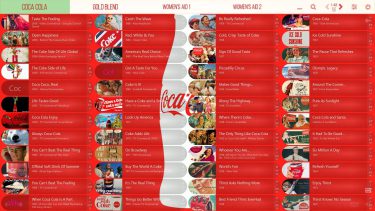
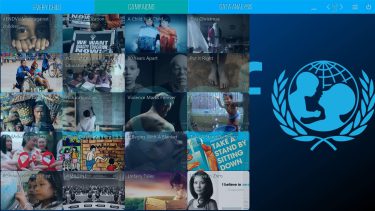
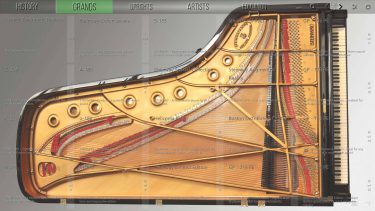
We’re currently tweaking Mediaboard to deliver a feature-packed app that will be available as Mediaboard Touch 3 for Windows, Mac OS and Linux. Customer feedback and the demand for a cross platform app has inspired us to launch this new development phase with Electron.
The current Mediaboard 2.7 PRO is still available. Just let us know your name and email and we will send you the download links. Free!
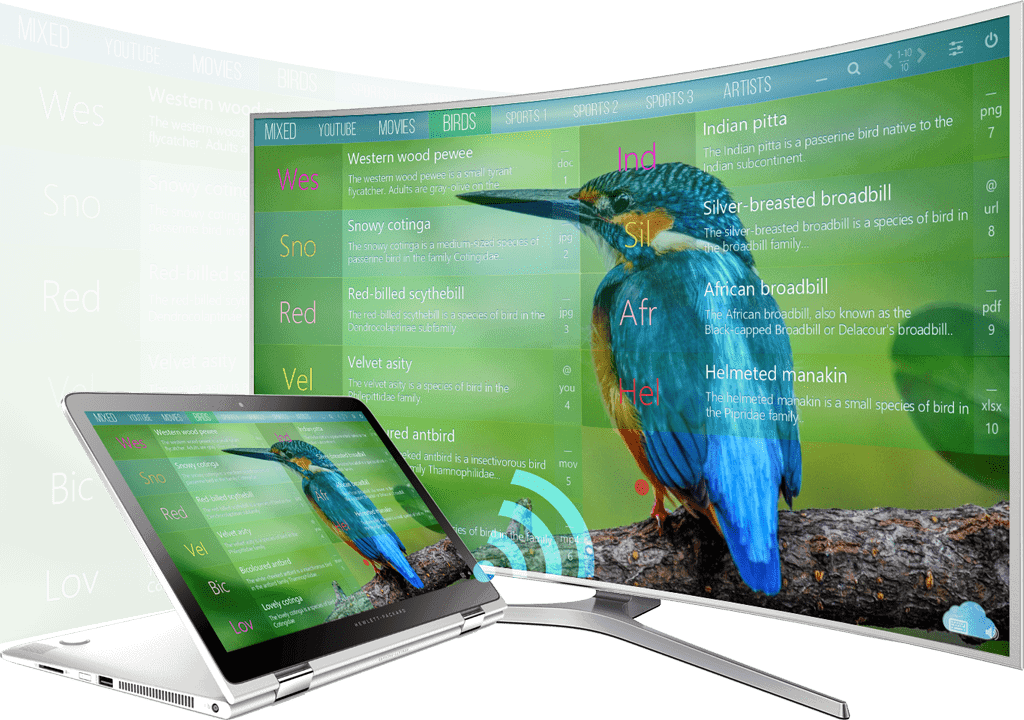
Main features Mediaboard PRO 2.7
- Windows desktop app that runs locally or on a network
- No subscription, no ads. Free for private and educational use.
- Contact us if you want to use Mediaboard commercially.
- 4 inclusive copies
- 150 cards per category
- Customisable board design
- Lock settings with password
- Portable and cloud-capable
- Content Packages export/import
- Help Bubble Layer
- Master and Client Boards (Cloud)
- Multilingual (English/German)
- Free updates
- More PRO features
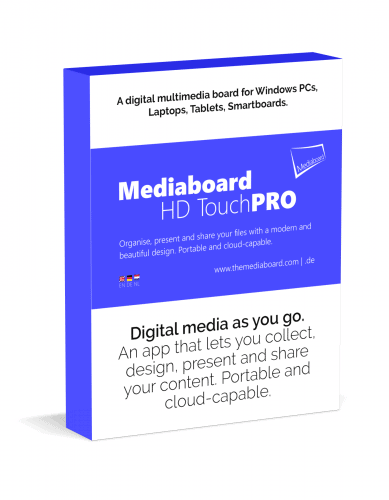
Mediaboard HD Touch PRO 2.7 License
- The Mediaboard PRO license is a non-expiring license with free updates and upgrades.
- The PRO license entitles you to private and educational use.
- Contact us for an individual license if you want to use Mediaboard commercially.
- Copy an original board at no extra cost 4 times (1:1 inclusive copy).
How Do I Download and Start Mediaboard?
How To Download and Start
Download and Start
1. Install using Setup.exe
You can install Mediaboard like a normal Windows program. It still remains portable and can be copied using the Easy Share function or directly from the Applications folder.
- Download and start the file Mediaboard-Setup.exe (FREE or PRO).
- Follow the installation instructions.
- After installation, you will find Mediaboard FREE in your Start menu and on your desktop.
2. Download as Folder
If you do not want to use the Mediaboard Installer, you can also download Mediaboard as a packed folder.
- Download and unzip the file Mediaboard-Zip.zip.
- Open the unzipped Mediaboard folder and start the file Mediaboard.exe.
- If you now minimize the app, then you will find the Mediaboard icon in the task bar and can pin it with a right mouse click.
Possible notifications the first time you start Mediaboard
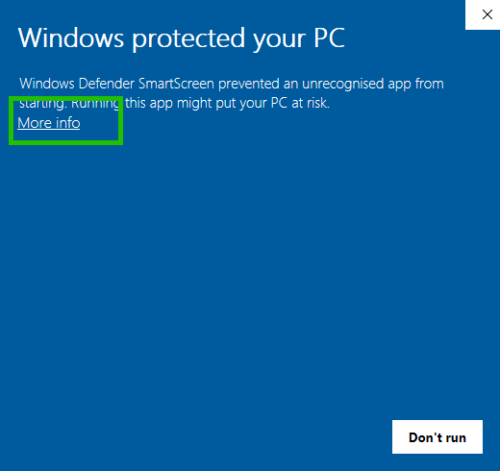
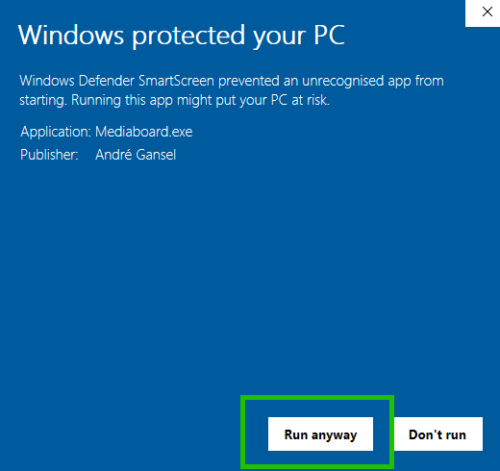
Windows SmartScreen.
- Click on More info
- Click on Run anyway to start using Mediaboard.
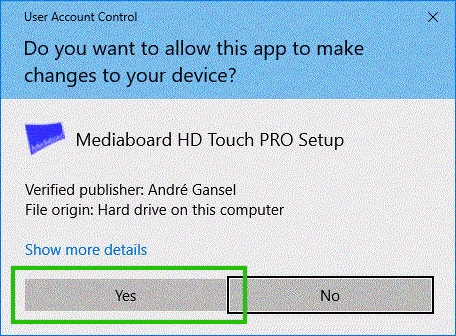
User Account Control
- Select ´Yes´to proceed.
- Mediaboard´s start up process will continue.
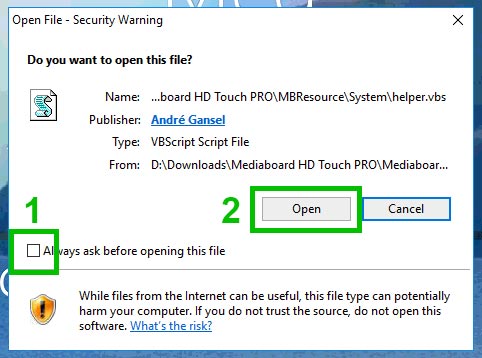
VBS notification
- Untick the ´Always ask´ option.
- Click Ópen´to start using Mediaboard.
Statement: Downloading Mediaboard to Drive C: or to the Programs Folder might fail if you do not have administrator rights on the computer.
Content-on-Demand
Mediaboard Content Packages
Mediaboard Content Packages are a straight forward way of receiving and delivering a collection of digital content using Mediaboard. Rather than spending time searching for different types of content, users can run multimedia content directly from a content package in their board. Content packages can be created with Mediaboard as well as imported from other boards.
Be part of a content exchange community where valuable information sources are collected, designed, packaged and shared.