Mediaboard – Home EN

By

Mediaboard PRO

– A powerful multimedia centre for Windows PCs, Laptops, Tablets and Touch Screens –

Digital media as you go.
Mediaboard is a desktop app for Windows that lets you collect, organise, show and share digital media  with a modern and beautiful interface. Portable and cloud-capable.

Mediaboard 3 goes cross-platform

Get Ready for v3…
Something super exciting is coming!

We’re currently tweaking Mediaboard to deliver a feature-packed app that will be available as Mediaboard Touch 3 for Windows, Mac OS and Linux. Customer feedback and the demand for a cross platform app has inspired us to launch this new development phase with Electron.

The current Mediaboard 2.7 PRO is still available. Just let us know your name and email and we will send you the download links. Free!
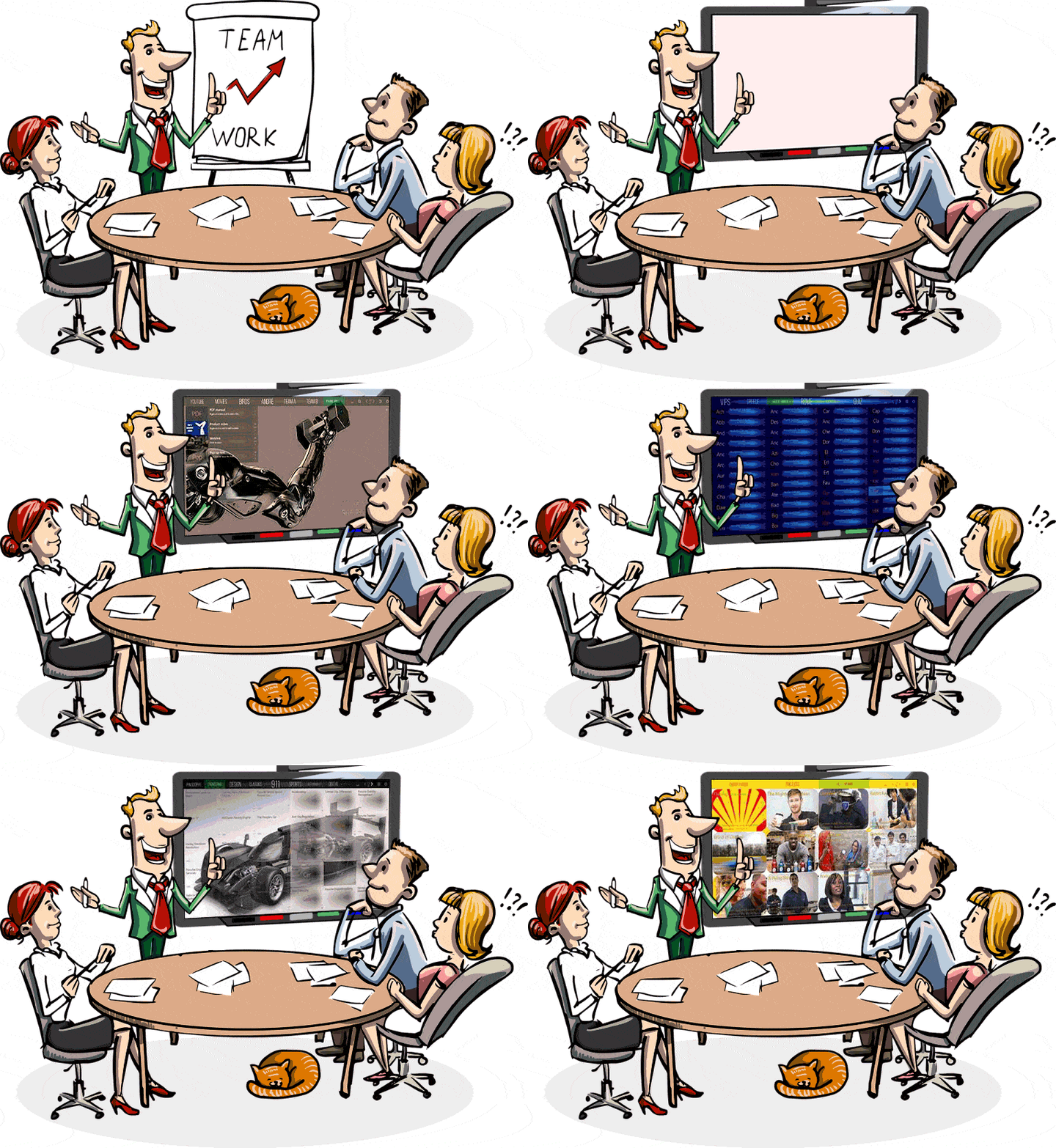


    · · ·
    Many additions and improvements in Mediaboard 2.7
    More card effects like fade, pulse, rotate, outlines, fill, solo
    Multiple video pop-ups » Run videos simultaneously in pop-up windows
    Card Effects Panel » Easily add short codes to cards for cool card effects
    Powerful Search » Search all content across your board and jump in
    Custom Styles » Every category and cards can have a separate design
    Random Colours » Mediaboard can generate cool color effects on cards
    Autoload Category » Define a category that starts with your board
    Touch Sound » Play any sound on touch without loading a player
    Quick Control Panel » Quickly access the most used board functions
    Popup Elements » Display multiple texts, images or videos on screen
    Master and Client » Share your board with others and keep control
    Playlists » Open multiple videos, images or webpages at once
    Category Owner » Create private categories or let others see or edit
    Run from Network » Open Mediaboard from a file share in your network
    Split Pop-Ups » Change word positions of a sentence while learning
    Skip pop-up texts » Play card media directly without its pop-up info text
    Copy & Paste cards » Copy cards and send them via email or messenger
    Get Mediaboard HD Touch PRO 2.7 for free!

    Education and Training

    Training modules, Tutorial videos

    My Training Board

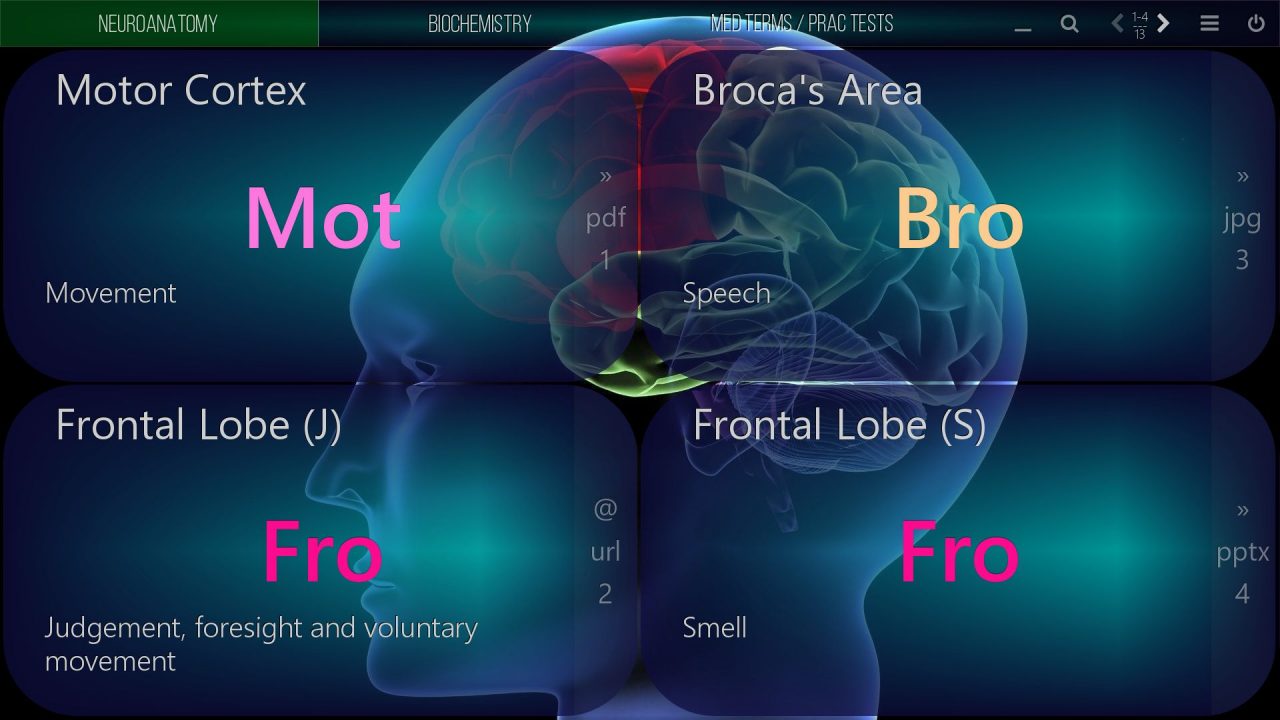
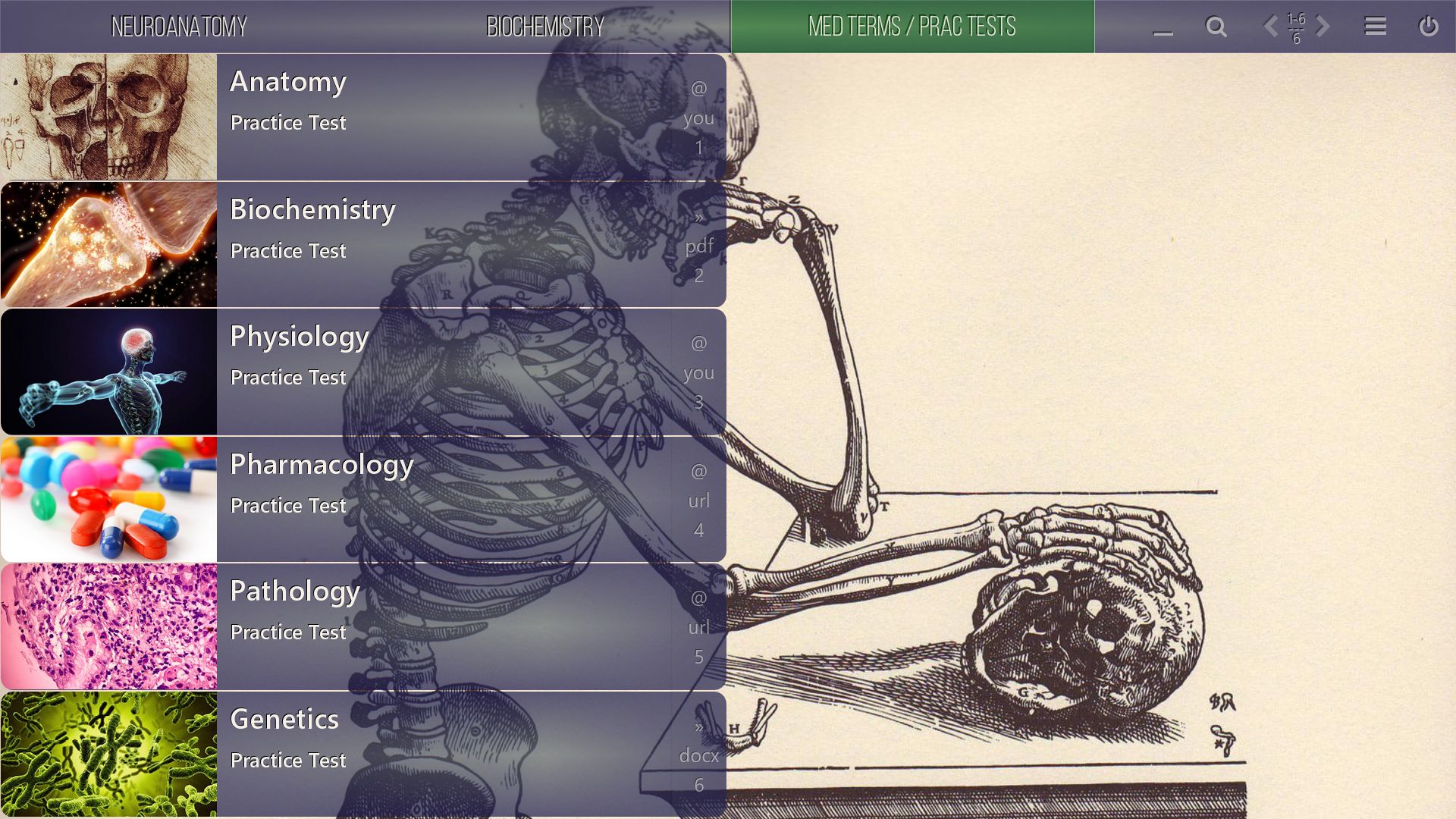
    Bring your training resources like manuals, specifications, guides and product videos into one interactive platform and make each module standout with an individual design theme. Multiply the learning effect by interacting with information in a more dynamic, integrated and comprehensive way.

    For family and friends

    Watch your favorite movies

    My Movie Board

    Play videos, access your streaming video and TV channels and share your movie board with others in the cloud. Create digital libraries from your DVDs or Blurays. Show on PCs, laptops and tablets or beam and stream to walls and Smart TVs in full HD.
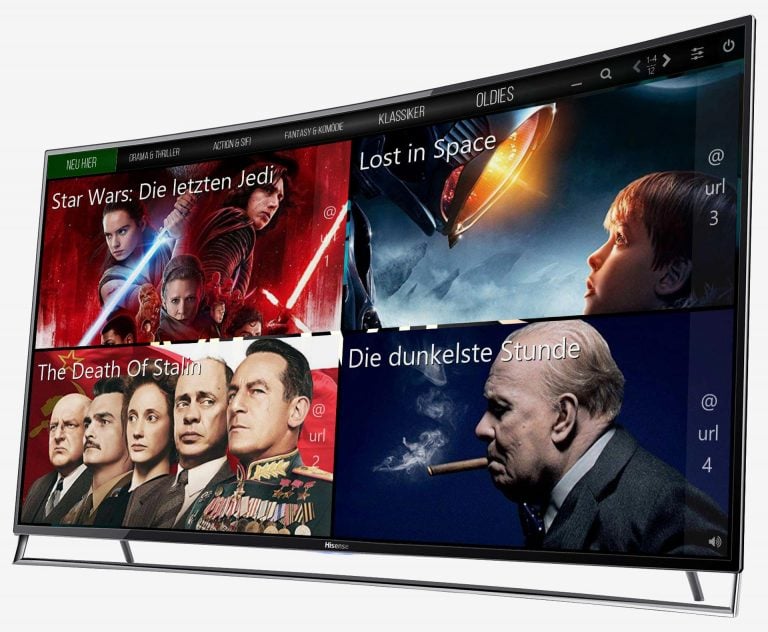
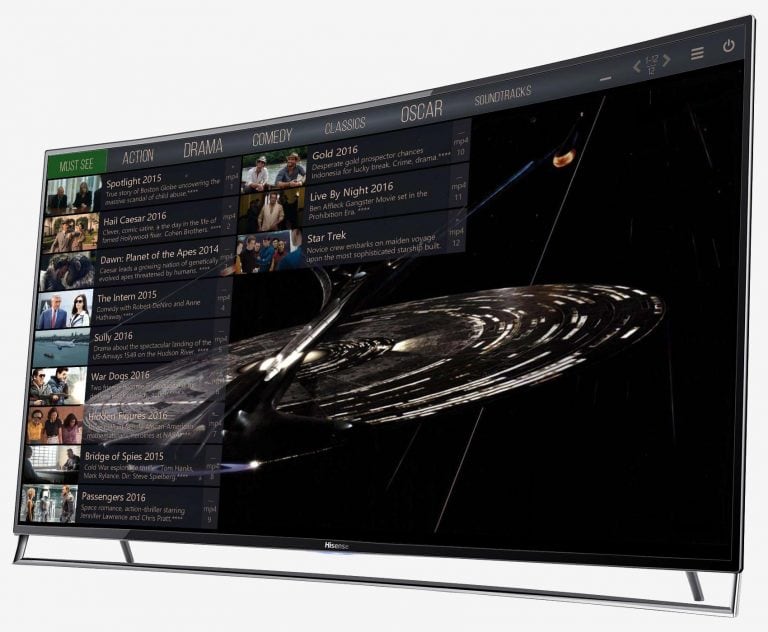
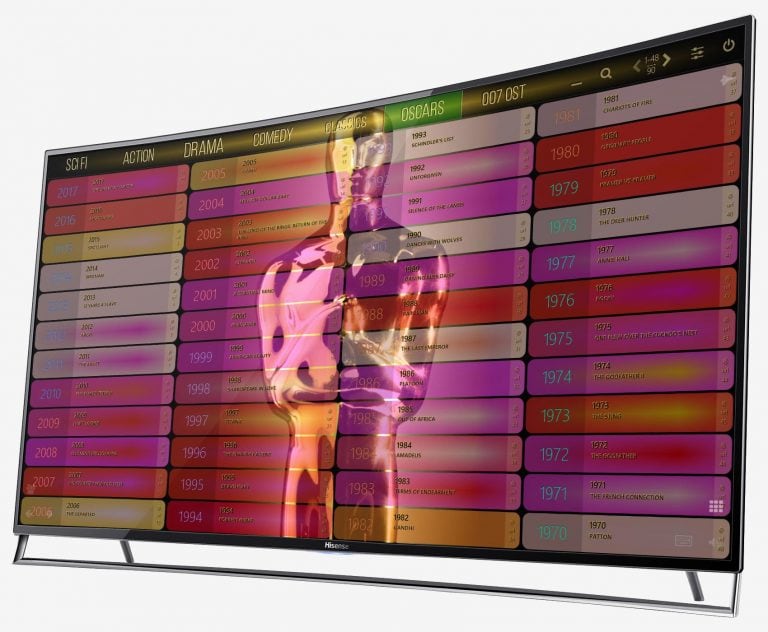
    Sample: A movie category showing the latest blockbusters.

    Sample: The Action category appears in the classic card view.

    Brilliant designs with random card colors.
    video
    play-sharp-fill
    The Spread Mode allows you to position cards individually.
    video
    play-sharp-fill
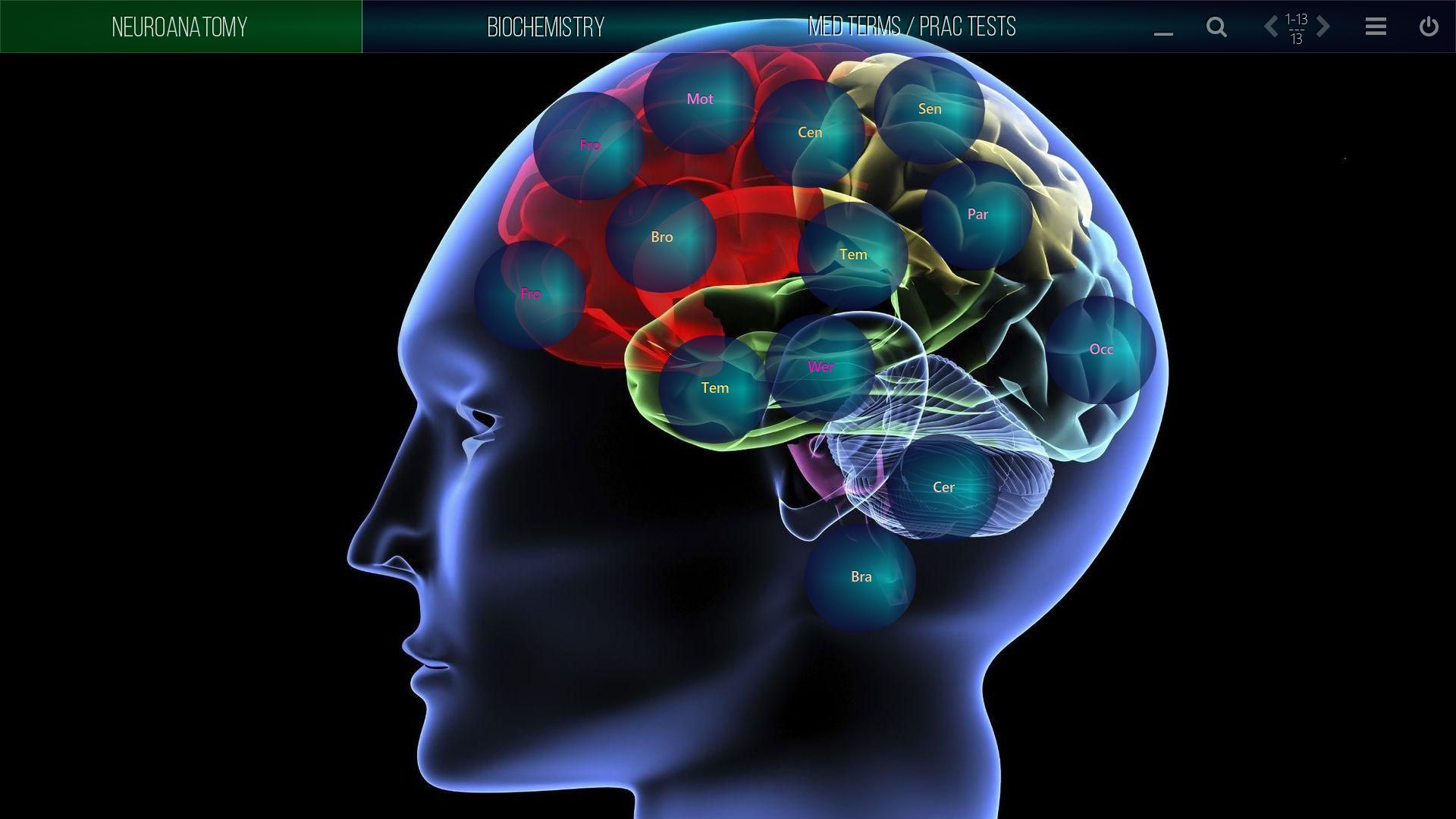
    Cards are the containers for your digital resources.
    video
    play-sharp-fill
    About categories and cards, styles and layouts.

    Digital Education for Schools and Universities

    Create motivating lessons

    My Smart Board

    Digital curriculum resources are accessed directly from Mediaboard´s portable platform using multimedia in a dynamic way that optimises blended learning for each chosen topic. Build interactive content boards that can be customised and used by teachers and students on their computers, laptops, smartboards and wall screens.

    Meetings, Conferences, Exhibitions

    Many formats,
    one app

    My Best-of Board

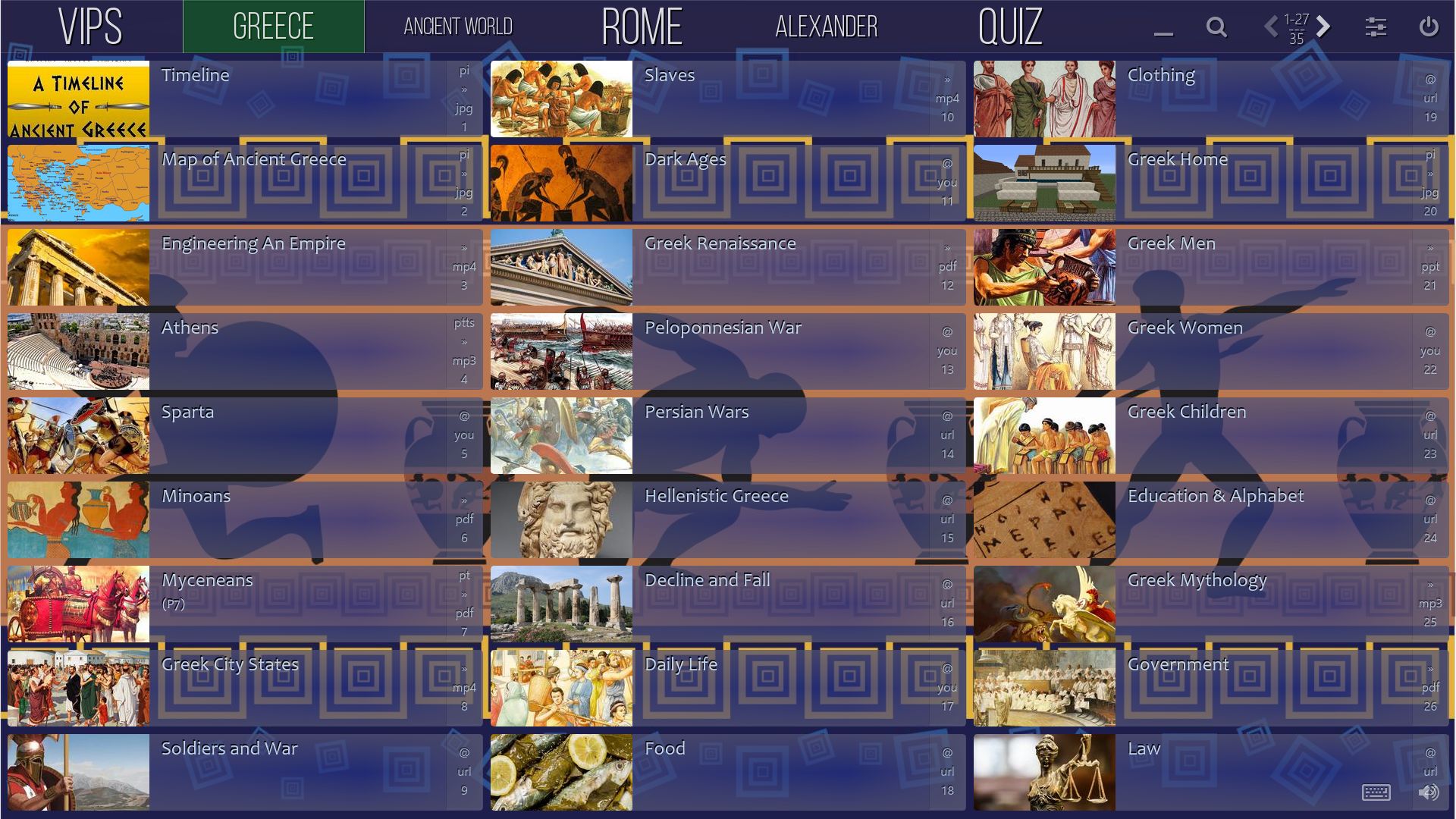
    With Mediaboard you can collect, organise, present and share different types of digital resources that can also be visualised or branded with different themes, styles and layouts so you can target your content for dynamic messaging to different audiences.
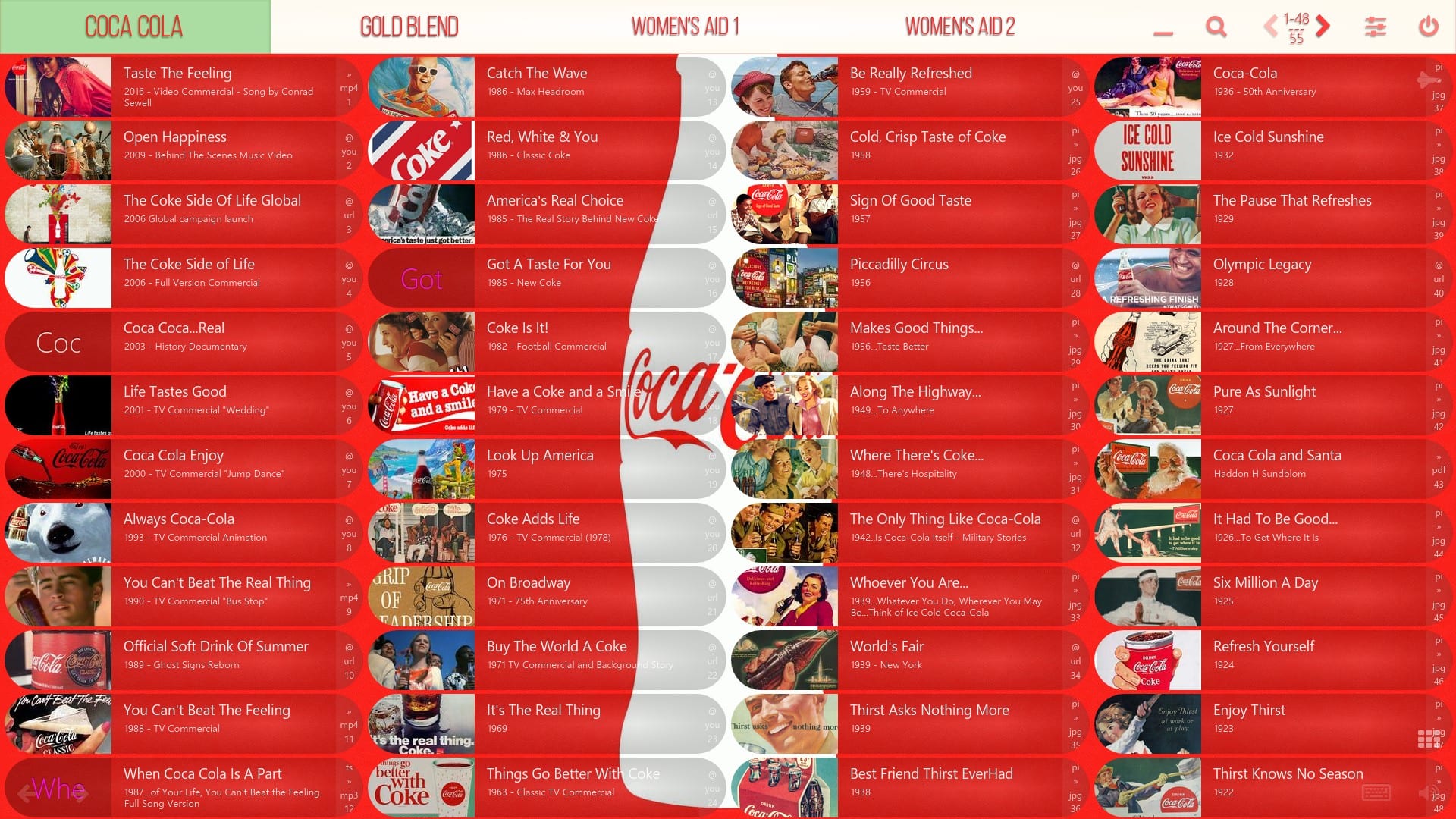
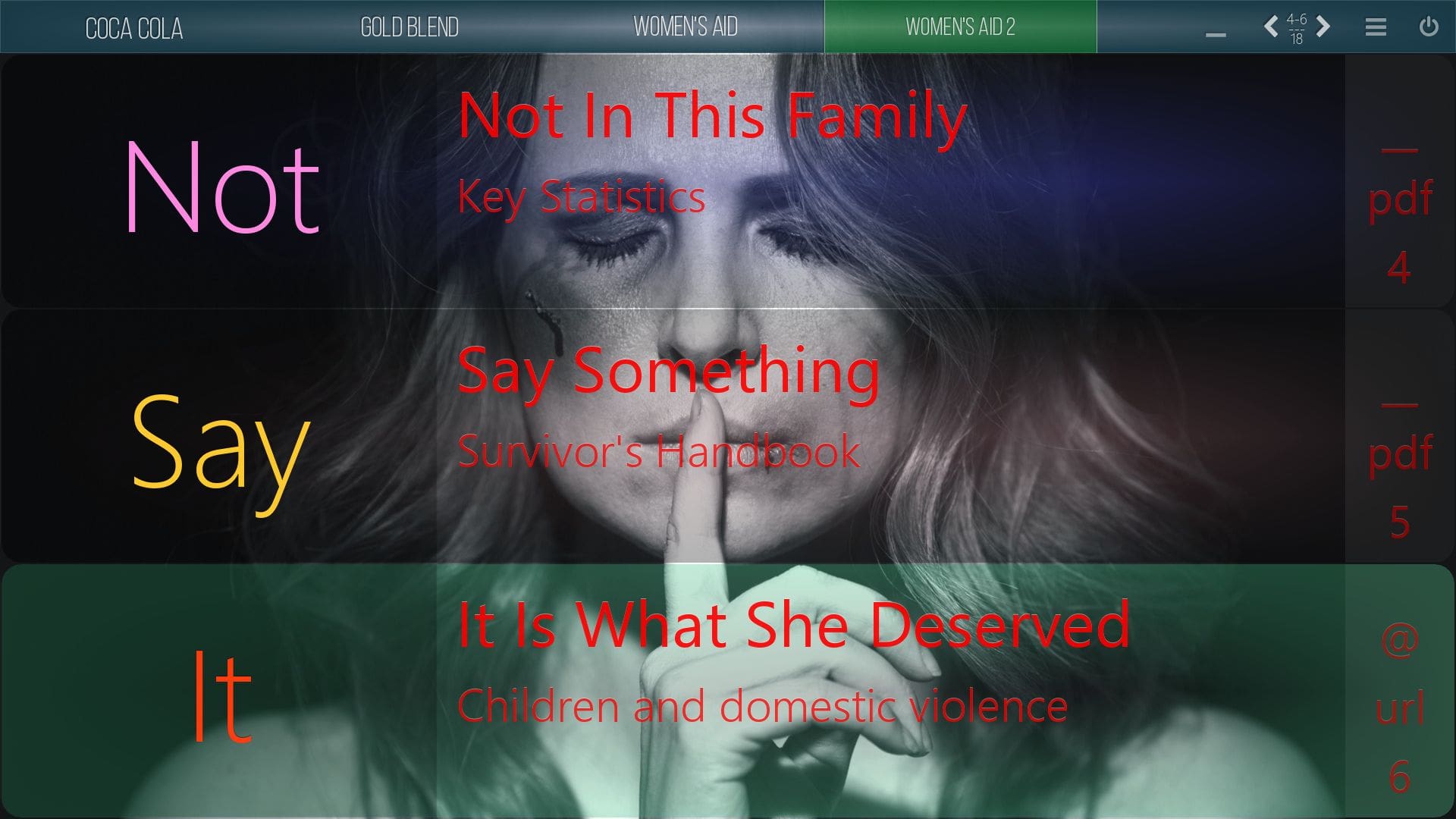
    Mediaboard Content Package - Campaigns Coca Cola
    MB Screenshot 2017 09 14  23 18 56 - Mediaboard - Home EN
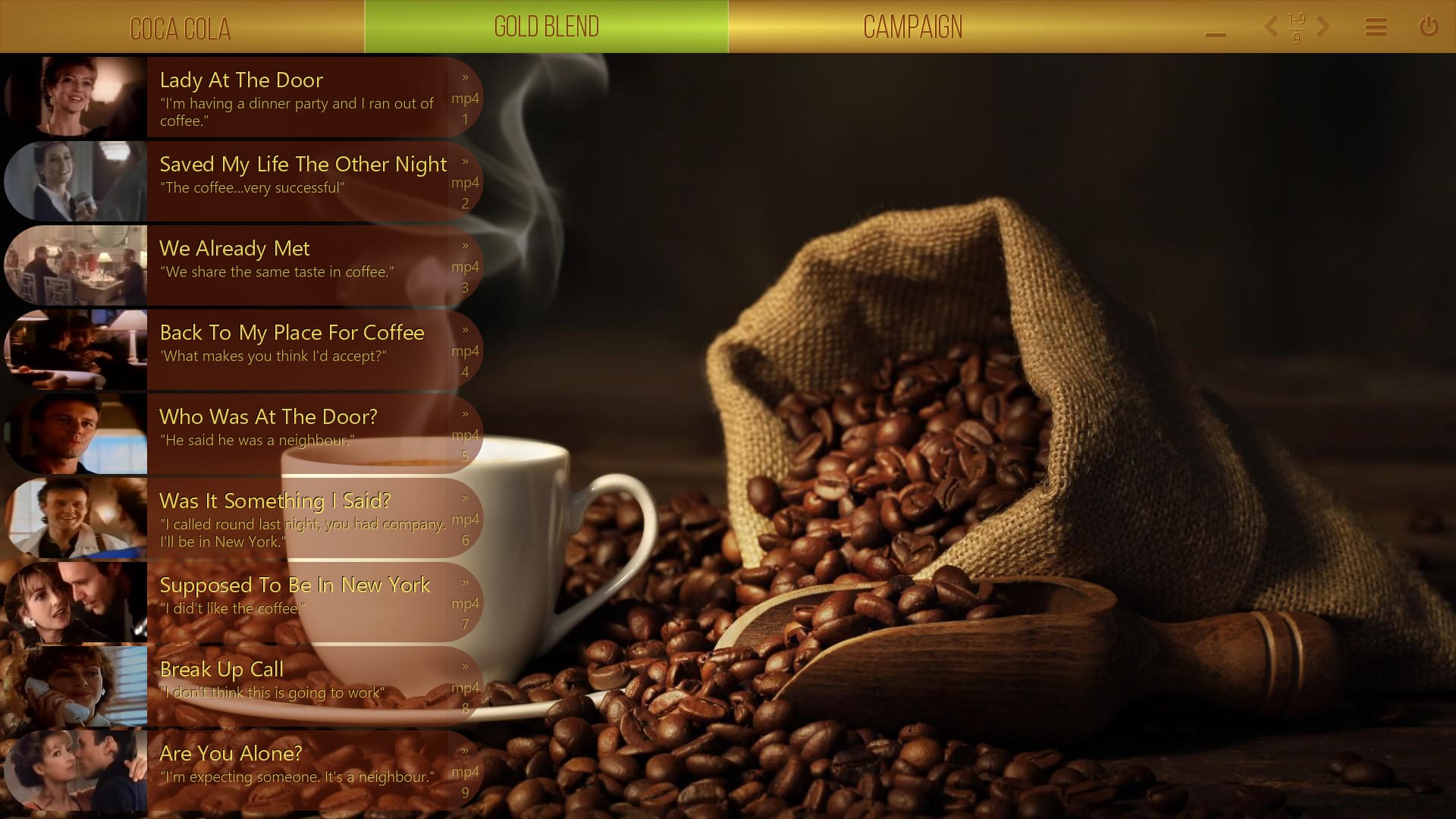
    Mediaboard Content Package - Campaigns - Nescafé Gold Blend
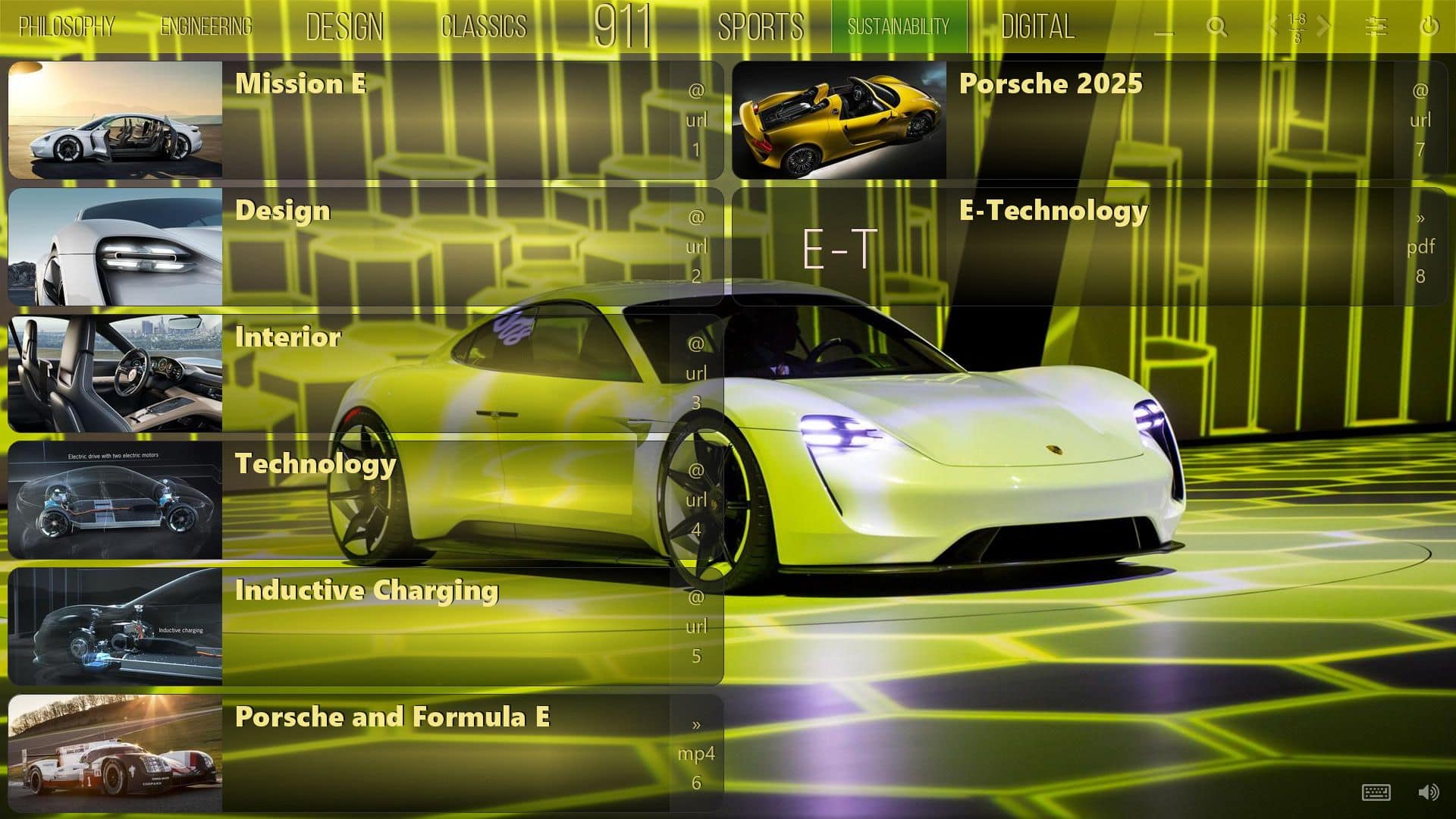
    Mediaboard Content Package - About Porsche Sustainability
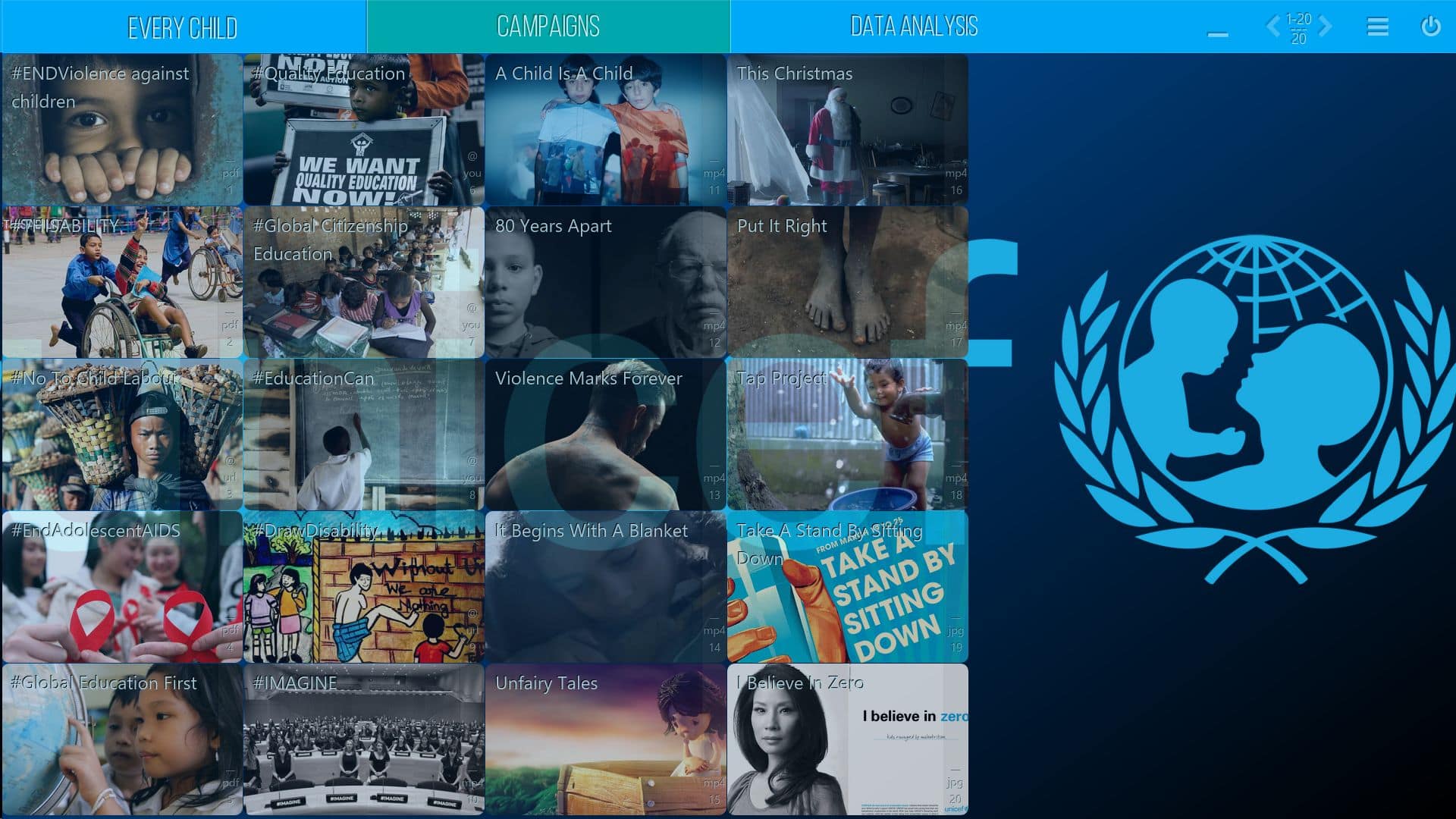
    UNICEF - Mediaboard - Home EN
    ls slider 22 slide 1 - Mediaboard - Home ENclock - Mediaboard - Home ENhours - Mediaboard - Home ENminutes - Mediaboard - Home ENseconds - Mediaboard - Home ENseconds - Mediaboard - Home ENclock center - Mediaboard - Home EN

    It’s time for agile presentations

    Walk in with confidence

    My Presentation Board

    Be fully supported by clear layouts and easy functionality for controlling your content so you can call up information in a targeted and confident way during presentations. Mediaboard offers a fresh way to collect and customise your digital resources in a single app giving you many options in the way content can be presented both interactively and intuitively.

    Vivid and clear.

    Resource

    Collect any digital format

    Gather documents, videos, music, YouTube, web links, and other digital content from various sources on Mediaboard´s fully independent, dynamic and user-friendly platform.

    Board

    Organise, style, present

    Visualise your digital resources and give them a face. You´ll enjoy working on a modern, elegant interface with design and layout components to brand beautiful boards in minutes.

    Exchange

    Share, receive, ready-to-go

    Share digital content in one go to teams, customers or the public via the cloud, portable devices or directly into a board using Mediaboard Content Package exchange.

    Quick results with a few clicks.

    Element

    Many customising options

    Sort and search, use different types of layouts, create individual designs, and activate different formatting effects and animation.

    Feature

    FREE & PRO Comparison

    Enjoy full featured boards that allow you to interact with content dynamically on your desktop or touch screen.

    Gallery

    Get inspired

    Need ideas? Browse through our Mediboard Gallery to see some of our favourite board design projects and let your creativity flow.

    Bringing Elements to Life

    How we bring the periodic table to life…

    Imagine a background image of the periodic table – the table of life. Now, add invisible points (hotspots) over each element, and enhance it with stylish text (pop-ups) and a video player that streams videos from various sources or plays them from a USB stick.

    With this technique, you can visualize cameras on your property, smoke detectors in your building, sensors on your machinery, or your branches on a world map. One spot, one click, and you have all the information and live images at your fingertips.

    Imagine this…

    You no longer have to sift through endless Google search results, click on links, or skim through pages to gather the information you need. Perhaps someone has already done that for you and organized it into a Mediaboard Collection. Simply import it and save a lot of time 🙂

    On your way to the client, videos, PowerPoints, images, sounds, or whatever else you need for a successful presentation are synchronized when you’re online. Your team has prepared everything at home. Just launch Mediaboard and impress with a confident presentation.
    Mediaboard - Aweswome Features

    Mediaboard – Awesome Features

    By

    Awesome Features

    The full power of Mediaboard PRO

    Free

    The free version is not available anymore.

     Pro 

    Free use of the PRO Version 2.7 for everyone.
    yesMedia Files, Documents, Links, Streaming Media and Portable Foldersyes
    Playback of all common audio and video formats. Viewing of PDF documents and all common image formats. Any file type can be added as a card attachment.
    yesCustomisable Board Stylesyes
    Wide range of design, layout and background options to colour and size the board elements. Custom designs for each category.
    yesCard Optionsyes
    Customisable card appearance for optimal viewing on screen. (Includes dimension, corners, transparency and spacing.)
    yesAuto Preview Imagesyes
    Just paste a YouTube or Vimeo link into a card and Mediaboard will automatically grab the video poster. The quickest way to build a sharable video playlist.
    yesAutosize Category Namesyes
    Automatic font sizing of category names to fit into labels or manual adjustments to create cool effects.
    3Categories per BoardUnlimited
    The FREE version has a maximum of 3 categories per board. The PRO version can have unlimited categories.
    50Cards per Category150
    The FREE version holds up to 50 cards per category, in total 150 cards per board. The PRO version holds up to 150 cards per category.
    noBubble Layeryes
    Use speech bubbles where you can input text to explain all parts of your board and presentation to be saved as a screenshot.
    yesEasy Shareyes
    Easy replication of a board with a few clicks to a cloud-synched folder, removable storage device or any other folder directly from within Mediaboard. No need to use Windows Explorer to copy the board.
    noPassword Protectionyes
    Prevention of changes to board settings, style, content and card order by locking them with a password.
    noCloud Capableyes
    Mediaboard can be used on a shared cloud drive on different computers at the same time. The board content (Categories and Cards) is the same everywhere although it is possible to have different board designs for every computer.
    noMaster and Client Boardsyes
    When Mediaboard is shared over the cloud or a network then the original board is the master board and all other active copies or instances are client boards. As the master board owner you maintain control over the client boards.
    yesCard Formatting Effectsyes
    Basic card codes can be applied to a card or a group of cards to create nice font, colour and transparency effects. (See effects list).
    noCard Animation Effectsyes
    Advanced card codes can be applied to a card or a group of cards to achieve various effects including custom fonts, touch and background sound, random card fade and pulse and date locked cards. (See effects list).
    yesImaging Moduleyes
    Super easy pasting of images from the clipboard as card image with re-positioning, automatic cropping and resizing to achieve best native display.
    yesPop-Up Imagesyes
    Images can be opened in a preview pop-up which can be dragged, enlarged and printed. Multiple pop ups and stacking possible on one display.
    yesPop-Up Textyes
    A text box that opens like a pop-up image and can contain additional information about a card. The pop-up text can be formatted as heavy, script, big and small.
    yesBackground Image Repositionyes
    Vertical position adjustment of background image, which is also automatically resized for optimal appearance. Important for portrait background images.
    noBackground Videoyes
    Video can be used as animated background. (The system must have the necessary video codec installed.)
    yesSort Modeyes
    Sorting of categories and cards by Drag & Drop. Moving of cards into other categories.
    yesGrid Modeyes
    The default table-like display in various card sizes. Applies to both card type Classic and Poster.
    noSpread Modeyes
    Individual positioning of cards across the display for hotspotting of specific areas. Applies to both card type Classic and Poster.
    yesSearch Modeyes
    Powerful cross-board search functionality, by card title, description, as well as file type, url and card code. Easily find and edit cards directly while in search mode.
    noKiosk Modeyes
    For public access, showrooms, exhibitions and events. The board is protected against changing, minimising, or exiting.
    noVideo and TV Streamingyes
    Streaming and playing videos, music and TV channels directly from the internet and the cloud. Play YouTube without ads. This option uses external players like Media Player Classic, VLC Player or SM Player.
    yesKeyboard Shortcutsyes
    Quick working and navigation around the board using keystrokes.
    DOWNLOAD

    We offer Mediaboard HD Touch PRO 2.7 at no cost (private and educational use) due to the development of the new 3.0 release in spring 2021. Get your copy here!

    0.00EURO0.00 €

    Free

    Pro

    Mediaboard – Contact and Support

    By

    Contact and Support

    We are glad to help via support ticket system, e-mail or chat.

    Contact

    AGComputing Ltd
    9 Chapel Place
    Rivington Street
    London EC2A 3DQ
    England

    Phone: +44 203 603 1979
    E-Mail: info@agcomputing.net
    Internet: www.themediaboard.com
    D&B Business-ID: 225147478

    Training, Consulting

    For individual or team trainings whether personal or via webcast or if you need custom Mediaboard functionality please contact us via e-mail.

    Support Options

    Ticket System (all Versions)

    Support ticket: Open new ticket (English or German)

    Direct e-mail support (PRO version only)

    PRO Users can contact us via e-mail: pro-support@themediaboard.com. This support option ist not available for users of the FREE version.

    By continuing to use the site, you agree to the use of cookies. more information

    The cookie settings on this website are set to "allow cookies" to give you the best browsing experience possible. If you continue to use this website without changing your cookie settings or you click "Accept" below then you are consenting to this.

    Close