
Organise and Style
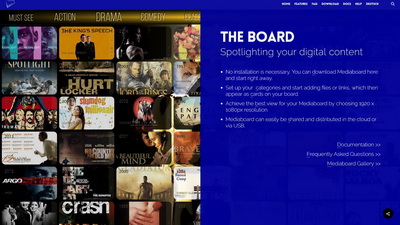
Design boards you can be proud of using Mediaboard’s distinct style components.
The Board

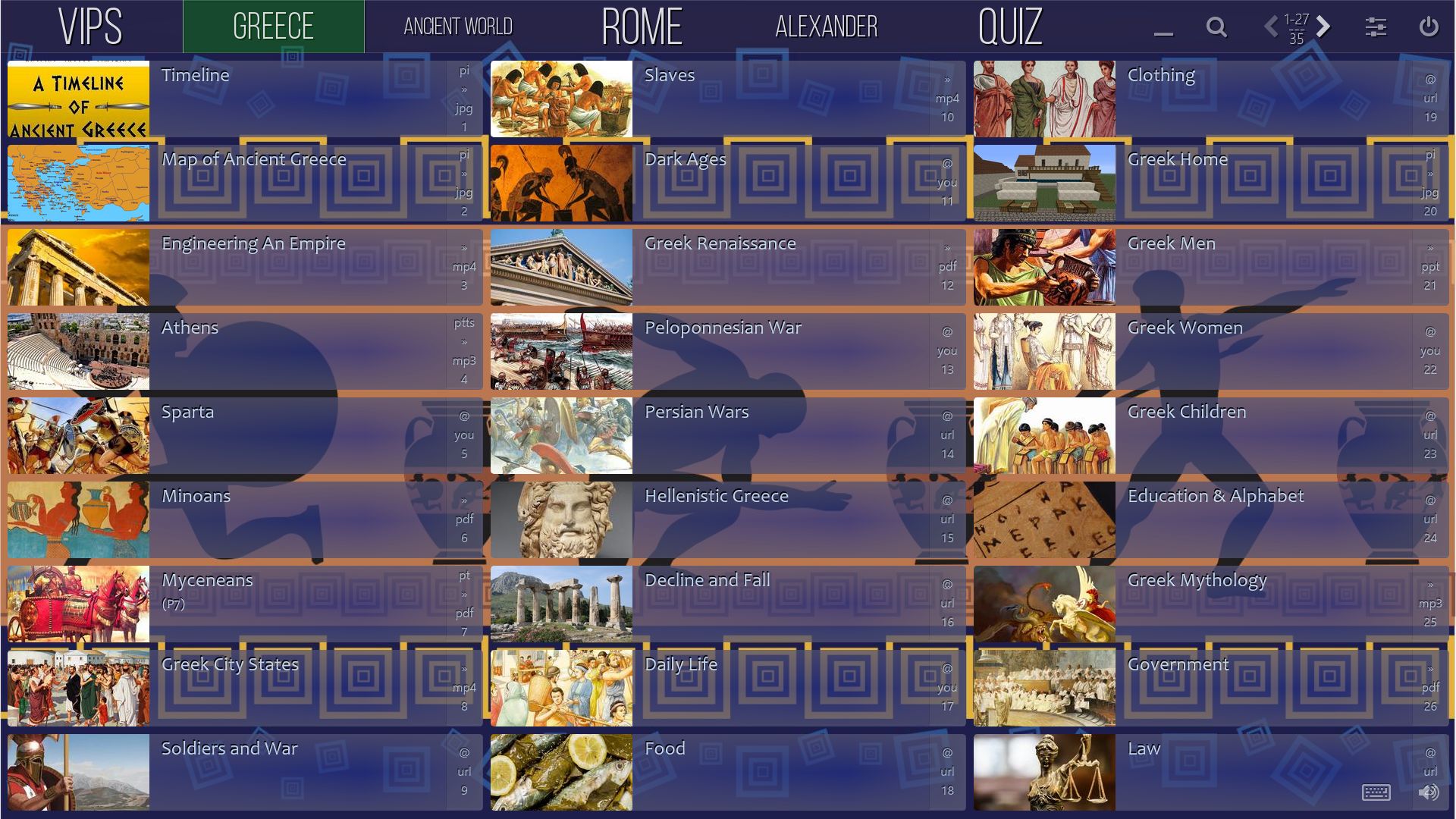
Categories

Cards and Effects

Background Styles

Board Themes

Navigation

Portable and Cloud
FreeThe free version is not available anymore. | ProFree use of the PRO Version 2.7 for everyone. |
||
|---|---|---|---|
| yes | Media Files, Documents, Links, Streaming Media and Portable Folders | yes | |
| Playback of all common audio and video formats. Viewing of PDF documents and all common image formats. Any file type can be added as a card attachment. | |||
| yes | Customisable Board Styles | yes | |
| Wide range of design, layout and background options to colour and size the board elements. Custom designs for each category. | |||
| yes | Card Options | yes | |
| Customisable card appearance for optimal viewing on screen. (Includes dimension, corners, transparency and spacing.) | |||
| yes | Auto Preview Images | yes | |
| Just paste a YouTube or Vimeo link into a card and Mediaboard will automatically grab the video poster. The quickest way to build a sharable video playlist. | |||
| yes | Autosize Category Names | yes | |
| Automatic font sizing of category names to fit into labels or manual adjustments to create cool effects. | |||
| 3 | Categories per Board | Unlimited | |
| The FREE version has a maximum of 3 categories per board. The PRO version can have unlimited categories. |
|||
| 50 | Cards per Category | 150 | |
| The FREE version holds up to 50 cards per category, in total 150 cards per board. The PRO version holds up to 150 cards per category. | |||
| no | Bubble Layer | yes | |
| Use speech bubbles where you can input text to explain all parts of your board and presentation to be saved as a screenshot. | |||
| yes | Easy Share | yes | |
| Easy replication of a board with a few clicks to a cloud-synched folder, removable storage device or any other folder directly from within Mediaboard. No need to use Windows Explorer to copy the board. | |||
| no | Password Protection | yes | |
| Prevention of changes to board settings, style, content and card order by locking them with a password. | |||
| no | Cloud Capable | yes | |
| Mediaboard can be used on a shared cloud drive on different computers at the same time. The board content (Categories and Cards) is the same everywhere although it is possible to have different board designs for every computer. | |||
| no | Master and Client Boards | yes | |
| When Mediaboard is shared over the cloud or a network then the original board is the master board and all other active copies or instances are client boards. As the master board owner you maintain control over the client boards. | |||
| yes | Card Formatting Effects | yes | |
| Basic card codes can be applied to a card or a group of cards to create nice font, colour and transparency effects. (See effects list). | |||
| no | Card Animation Effects | yes | |
| Advanced card codes can be applied to a card or a group of cards to achieve various effects including custom fonts, touch and background sound, random card fade and pulse and date locked cards. (See effects list). | |||
| yes | Imaging Module | yes | |
| Super easy pasting of images from the clipboard as card image with re-positioning, automatic cropping and resizing to achieve best native display. | |||
| yes | Pop-Up Images | yes | |
| Images can be opened in a preview pop-up which can be dragged, enlarged and printed. Multiple pop ups and stacking possible on one display. | |||
| yes | Pop-Up Text | yes | |
| A text box that opens like a pop-up image and can contain additional information about a card. The pop-up text can be formatted as heavy, script, big and small. | |||
| yes | Background Image Reposition | yes | |
| Vertical position adjustment of background image, which is also automatically resized for optimal appearance. Important for portrait background images. | |||
| no | Background Video | yes | |
| Video can be used as animated background. (The system must have the necessary video codec installed.) | |||
| yes | Sort Mode | yes | |
| Sorting of categories and cards by Drag & Drop. Moving of cards into other categories. | |||
| yes | Grid Mode | yes | |
| The default table-like display in various card sizes. Applies to both card type Classic and Poster. | |||
| no | Spread Mode | yes | |
| Individual positioning of cards across the display for hotspotting of specific areas. Applies to both card type Classic and Poster. | |||
| yes | Search Mode | yes | |
| Powerful cross-board search functionality, by card title, description, as well as file type, url and card code. Easily find and edit cards directly while in search mode. | |||
| no | Kiosk Mode | yes | |
| For public access, showrooms, exhibitions and events. The board is protected against changing, minimising, or exiting. | |||
| no | Video and TV Streaming | yes | |
| Streaming and playing videos, music and TV channels directly from the internet and the cloud. Play YouTube without ads. This option uses external players like Media Player Classic, VLC Player or SM Player. | |||
| yes | Keyboard Shortcuts | yes | |
| Quick working and navigation around the board using keystrokes. | |||
| DOWNLOAD | |||
We offer Mediaboard HD Touch PRO 2.7 at no cost (private and educational use) due to the development of the new 3.0 release in spring 2021. |
|||
| 0.00 | EURO | 0.00 € | |
Free | Pro |
||
THE FREE VERSION IS NOT AVAILABLE ANYMORE. | Free use of the PRO Version 2.7 for private, commercial and educational purposes. Lifetime license and 4 inclusive copies. All other copies (replicas) can be used for viewing only and must be licensed to edit content. |
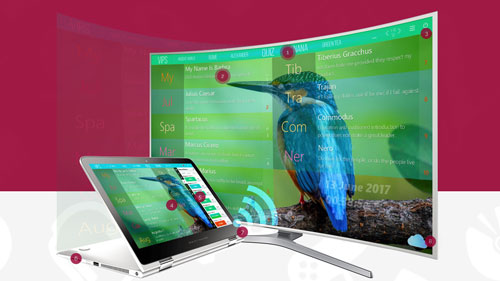
– For Windows PCs, Laptops, Tablets, Smartboards –
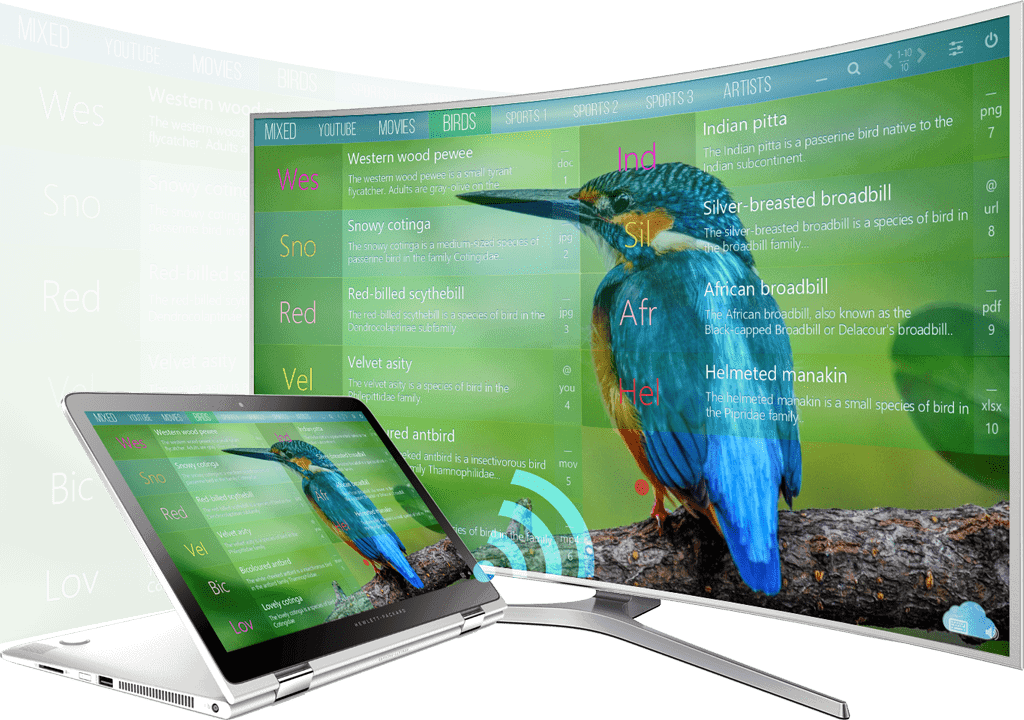

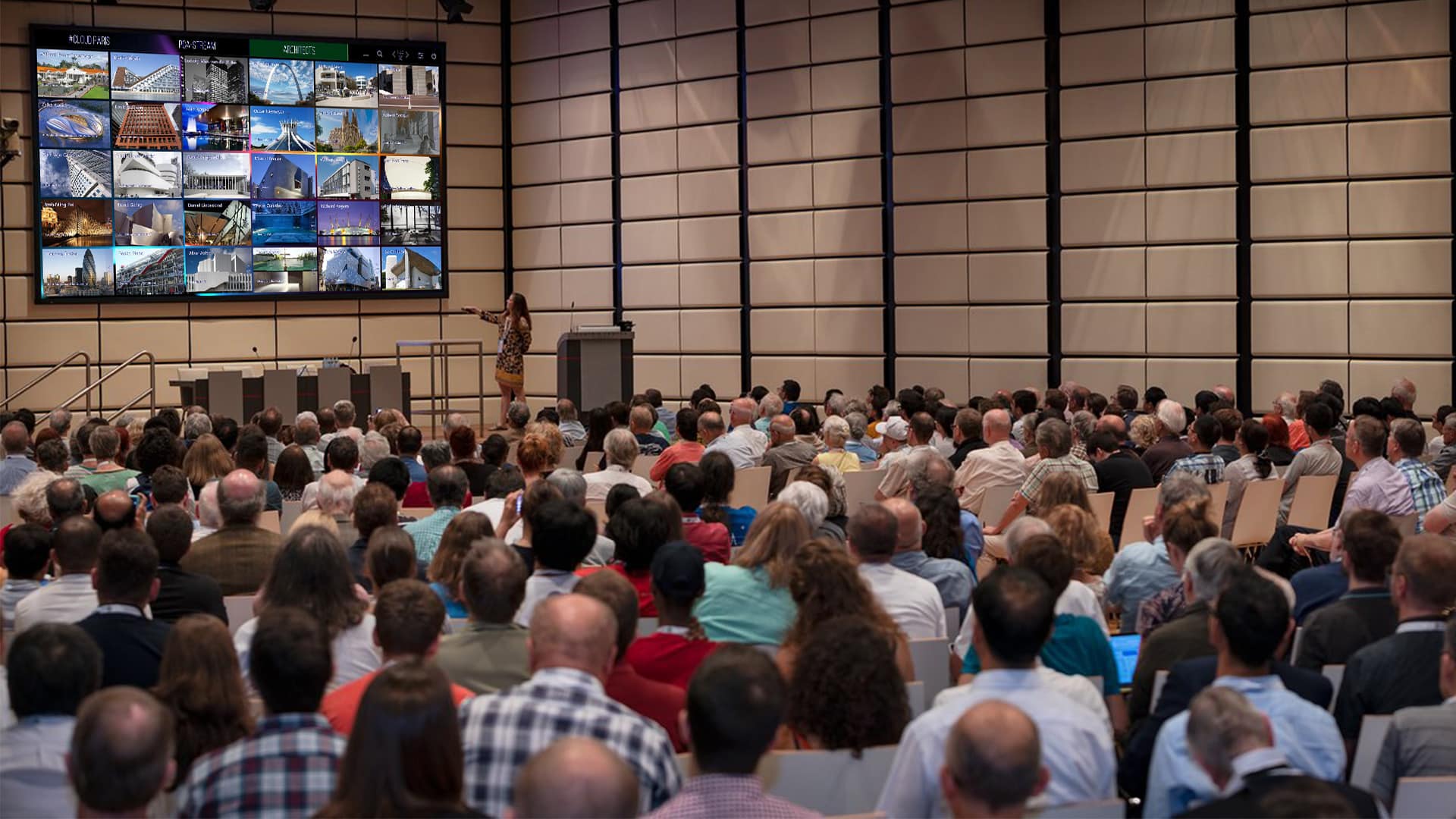
Mediaboard supports you on dynamic presentations.
After compulsory comes the freestyle. During and after your presentation with Mediaboard you will always be able to react quickly to questions asked, supported by different kinds of work samples, videos, documents or links that can be called up in a much faster, more agile and targeted way than on a desktop or from a company server. Discover a new sense of safety during presentations and meetings.



Financial advisor to whom we enjoy a long-term relationship from various joint projects based on trust and reliability.
Middle East Opportunities is specialized in supporting clients activities in the United Arab Emirates.

They always help when time becomes an issue and tests as well as detailed feedback is necessary.
One of the first who believed in us and invested in the development of the Mediaboard concept and joined our team.
The Heiderose team has helped us moving forward in 2018. Enjoy a visit at their beautiful place.
DON’T USE!
With a lot of heart and inspiring ideas, Immanuel supports us with digital visuals and knowledge.

It is always good to have a joker when you can't solve IT issues on your own..
They make you a nice memory from your favorite photo. Whether from your horse, dog, cat or from yourself.

A Swiss managed company based in the UAE that provides innovative cleaning solutions for industries.
Here you can say something about you. Let the Mediaboard community know about your website..
DON’T USE!
Your contribution keeps the world moving..
 | Be the first | About you | Your website |  |
| Your name/company | About you | Your website | |
| Your name/company | About you | Your website | |
| Your name/company | About you | Your website | |
| Your name/company | About you | Your website | |

By continuing to use the site, you agree to the use of cookies. more information
The cookie settings on this website are set to "allow cookies" to give you the best browsing experience possible. If you continue to use this website without changing your cookie settings or you click "Accept" below then you are consenting to this.