
Description
Free Download for Mediaboard PRO.
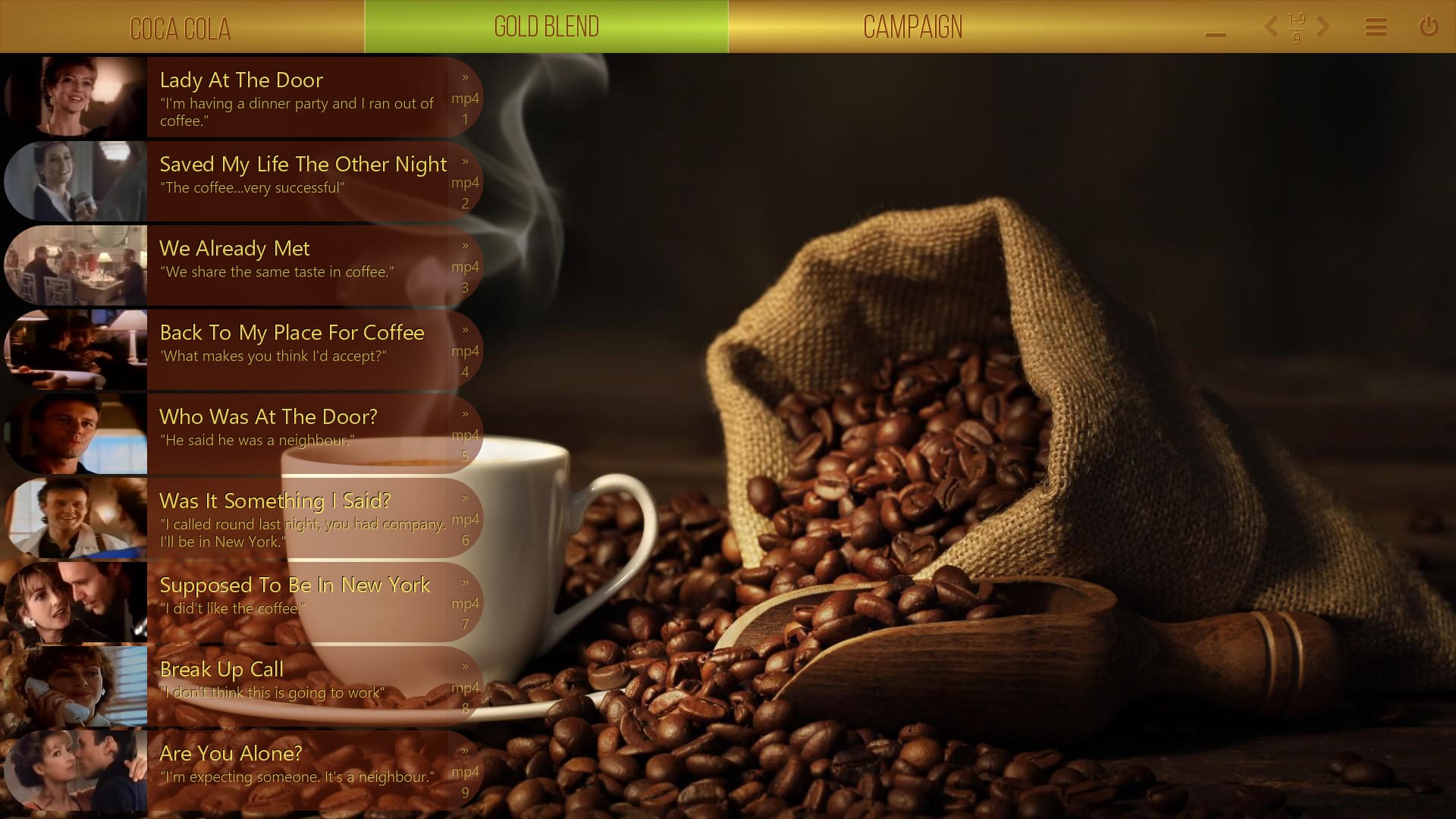
Campaigns (Nescafé Gold Blend) – 9 cards, 51 MB
001. Lady At The Door (MP4)
“I’m having a dinner party and I ran out of coffee.”
002. Saved My Life The Other Night (MP4)
“The coffee…very successful”
003. We Already Met (MP4)
“We share the same taste in coffee.”
004. Back To My Place For Coffee (MP4)
‘What makes you think I’d accept?”
005. Who Was At The Door? (MP4)
“He said he was a neighbour.”
006. Was It Something I Said? (MP4)
“I called round last night, you had company. I’ll be in New York.”
007. Supposed To Be In New York (MP4)
“I did’t like the coffee.”
008. Break Up Call (MP4)
“I don’t think this is going to work”
009. Are You Alone? (MP4)
“I’m expecting someone. It’s a neighbour.”
+ Screenshot & Manual
To enjoy a Mediaboard Content Package you need the Mediaboard desktop app. Download for free here: Download Mediaboard FREE
Mediaboard Content Packages are a straight forward way of receiving and delivering a collection of digital content using Mediaboard. Rather than spending time searching for different types of content, users can run multimedia content directly from a content package in their board. Content packages can be created with Mediaboard as well as imported from other boards.
Be part of a growing content exchange community where valuable information sources are collected, designed, packaged and shared.
A Mediaboard Content Package can be viewed when it is imported into the Mediaboard app. It will then appear as a new category.
Steps to import a content package:
- Start Mediaboard and click the community icon in the Category Panel (left top arrow).
- In the next window, go the folder that contains the content package (zip) and select the package. Click “Open”.
- Click “Import” to start the import.


